Description#
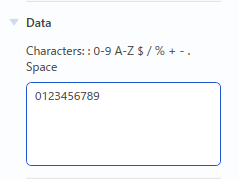
Changing the data#
- Click the barcode object you wish to change.
- Click the [Barcode] tab in the object settings pane.
- Change the data entered in the “Data” box.
Note
- Numbering can be applied to the data.
- See Setting or cancelling sequential printing of barcodes. for guidance on how to apply sequential printing to barcodes.
Selecting the protocol#
- Click the barcode object you wish to change.
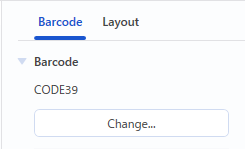
- Click the [Barcode] tab in the object settings pane.
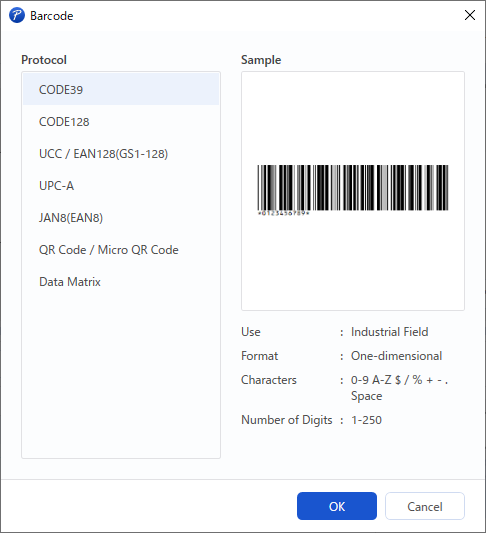
- Click the [Change...] button in the “Protocol” group. The Barcode dialog box appears.
- Select a protocol, and then click the [OK] button.
Specifying the protocol settings#
- Click the barcode object you wish to change.
- Click the [Barcode] tab in the object settings pane.
- Select the options you want.
Note
- The available options depend on the protocol you have selected.
Menus#
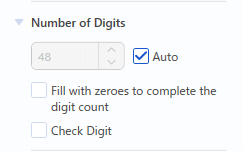
Number of Digits#
You can specify the number of digits for the selected barcode object data.
If the selected protocol does not support check digits, the [Check Digit] checkbox does not appear.
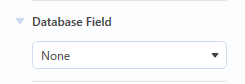
Database Field#
If a database is connected, the database fields will appear in the list.
If no database is connected, this option does not appear.
Numbering#
Numbering can be applied to the data.
For details, refer to Setting or cancelling sequential printing of barcodes..
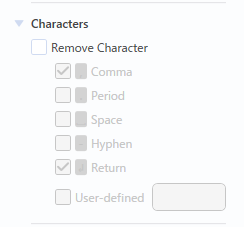
Characters#
The character options may differ depending on the selected protocol.
- Select start/stop codes
- Remove parentheses
- Add FNC1
- Remove special characters
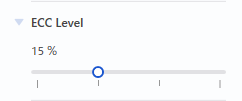
ECC Level#
The error correction level can be specified.
This option does not appear if it is not supported by the selected protocol.
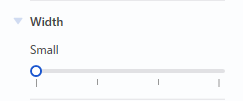
Barcode width#
The width of the barcode can be specified.
This option does not appear if it is not supported by the selected protocol.
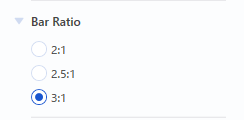
Bar ratio#
The bar ratio can be specified.
This option does not appear if it is not supported by the selected protocol.
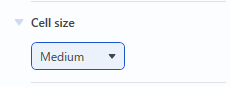
Cell size#
The cell size can be specified.
This option does not appear if it is not supported by the selected protocol.
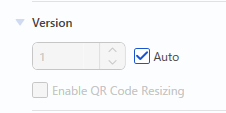
QR code version#
The QR code version can be specified.
This option does not appear if it is not supported by the selected protocol.