Connect a Database (External Data) - Text#
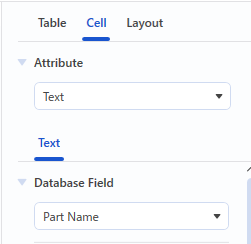
- Click a cell to select it.
- Click the [Cells] tab in the object settings pane.
- Select the “Text”option from the “Attribute” drop-down list.
- See Linking Text for guidance on how to connect a database.
Note
After connecting a database, you can select a field to merge from the “Database Field” list on the [Cells] tab.