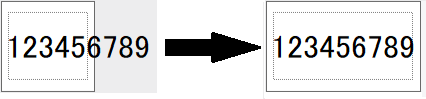
Label Length#
You can set an unlimited length or specify a fixed length for your label.
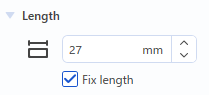
To specify a fixed length, select the [Fix Length] checkbox. If this checkbox is not selected, the length of your label is unlimited.
Unlimited length#
The length of the tape is adjusted to fit the text and symbols you have typed.
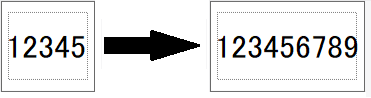
(The label length depends on the length of the text.)
Fixed length#
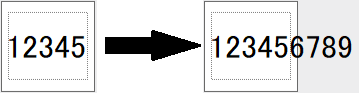
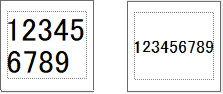
If you select the [Fix Length] checkbox, the label length is limited to the length you specify.
If the text is too long as shown above, adjust it by reducing the font or adding returns so that it fits within the print area (dotted line on the edit screen).
When the [Fix Length] checkbox is cleared, the label length becomes unlimited.
The length of the tape is adjusted to fit the text and symbols you have typed.