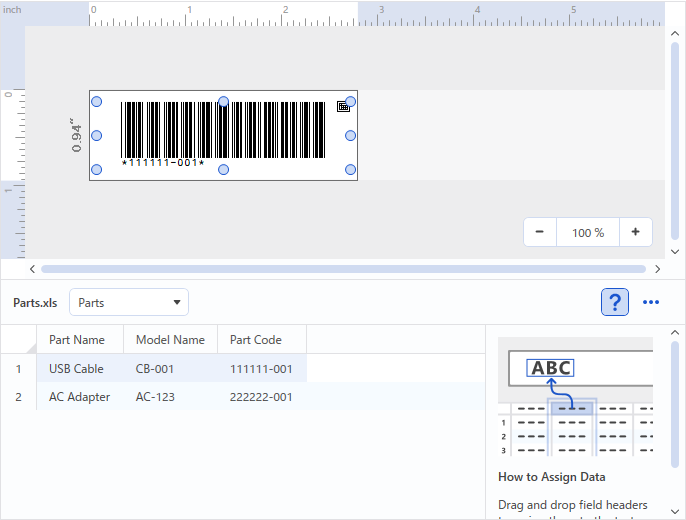
Linking Barcodes#
Assign database data into a layout.
The barcode can be changed after it is pasted into the layout.
Preparing the database#
The database should be prepared in advance.
In this example, we will use an .xls file created with Microsoft Excel.
| Part Name | Model Name | Part Code |
|---|---|---|
| USB cable | CB-001 | 111111-001 |
| AC adapter | AC-123 | 222222-001 |
Connecting a database#
Assigning into a layout (barcode)#
- Click [Insert] - [Barcode], or click the [Barcode] button.
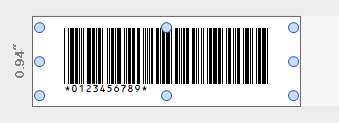
-
Click the field name “Part Code”.
-
Drag and drop the field name onto the label editing area.
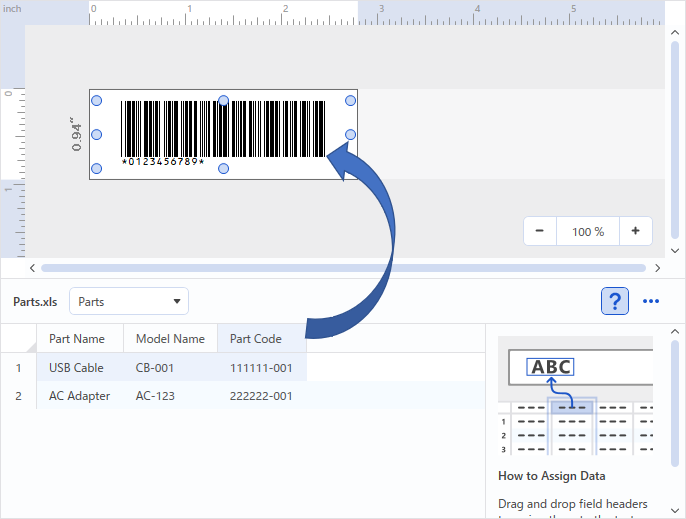
↓