Trim tape after data#
This removes the margin at the end of data being printed.
Open the printer driver menu with the [Detailed Settings...] button of the print dialog box, and then select the [Trim tape after data] check box under “Option”.
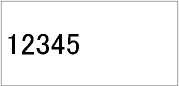
(Edit screen)

(Check box selected)
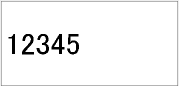
(Check box cleared)